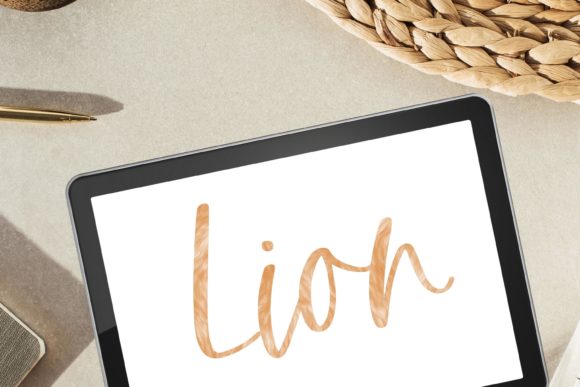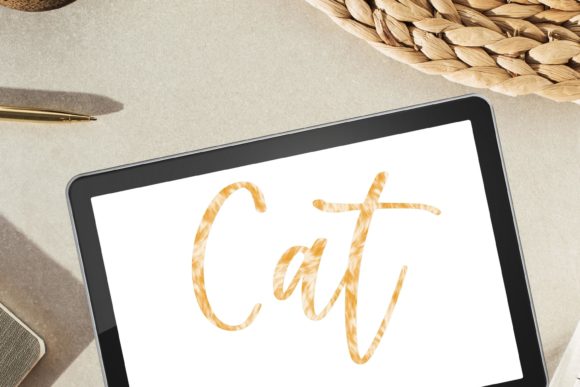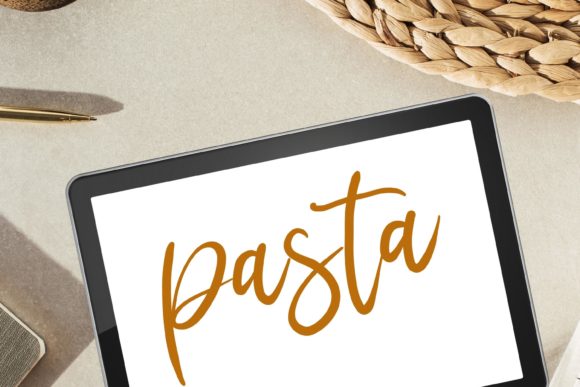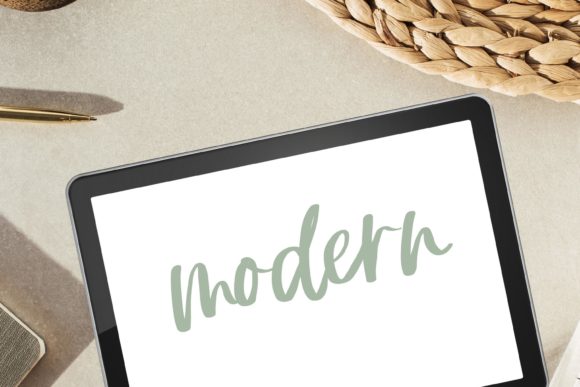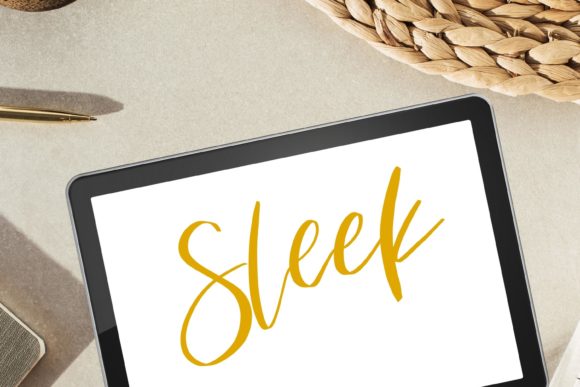
Sleek Procreate Brush for Hand Lettering
Digital lettering has evolved from a niche hobby into a vital skill for modern creatives, yet finding the right tool to bridge the gap between traditional ink and digital precision remains a challenge. The Sleek Procreate Brush for Hand Lettering addresses this by offering a specialized solution designed for clarity, flow, and aesthetic consistency. Unlike standard round brushes that can feel slippery or unpredictable, this tool provides a thin, silky smooth monoline texture that mimics the reliable resistance of high-quality physical pens.
Whether you are drafting a logo, creating social media content, or illustrating a children’s book, the quality of your brush directly impacts your workflow efficiency and the final polish of your artwork. This digital asset is not just a simple stamp; it is a engineered response to the common frustrations of digital calligraphy, such as jagged edges, inconsistent opacity, and lack of tactile feedback.
Understanding the Monoline Advantage
At its core, this brush is designed for monoline work. In typography and lettering, a monoline stroke maintains a consistent width throughout, regardless of pressure or speed. This characteristic is essential for modern calligraphy, geometric lettering, and clean illustrative styles. The "sleek" descriptor refers to the brush’s ability to produce lines that are free from digital noise or unintended texture, resulting in a glass-like smoothness that looks professional even at high zoom levels.
For many users, the transition from paper to iPad involves a learning curve related to friction. Glass screens offer little resistance, which can make controlling line weight difficult. This brush mitigates that issue through its digital configuration, providing a stable baseline that allows artists to focus on shape and composition rather than fighting the software’s default settings.
Tailored Value for Different Creators
The utility of a specialized brush varies significantly depending on your professional role and creative goals. Here is how different audiences might evaluate and utilize this tool.
For Beginners and Hobbyists
If you are new to Procreate, the sheer number of settings can be overwhelming. Beginners often struggle with stabilizing their hand movements, leading to shaky lines that require excessive editing. The Sleek Procreate Brush for Hand Lettering simplifies this process. Because the brush is pre-configured for smoothness, it offers a forgiving experience that helps new users build confidence. You can focus on learning letter forms and spacing without worrying about complex brush dynamics. It serves as an excellent educational tool, allowing hobbyists to understand the fundamentals of digital inking before moving on to more complex, textured brushes.
For Professional Designers and Freelancers
Time is a critical resource for professionals. Freelancers and agency designers need tools that deliver consistent results quickly. When creating client deliverables, such as logos or branded assets, reliability is paramount. This brush ensures that every stroke is uniform, reducing the time spent on post-processing and vectorizing. The silky texture means that lines merge cleanly, making it easier to export assets for print or web use. For entrepreneurs and small business owners who handle their own marketing, this efficiency translates directly into cost savings and faster turnaround times for projects like Instagram stories, ebook covers, or packaging designs.
For Educators and Content Creators
Educators and bloggers often need to create clear, legible text overlays for videos, presentations, or tutorials. In these contexts, readability is more important than artistic flair. The thin, sleek nature of this brush makes it ideal for annotating images, creating step-by-step guides, or adding stylish headers to blog posts. Its modern aesthetic aligns well with current design trends, helping content creators maintain a polished and contemporary look across their platforms. The instant download format also means that educators can acquire and implement the tool immediately before a lesson or project deadline.
Practical Applications and Use Cases
To determine if this brush fits your needs, consider the specific types of projects you undertake. The versatility of a high-quality monoline brush extends beyond simple handwriting.
- Modern Calligraphy: Create elegant invitations, quotes, and greeting cards where consistent stroke width provides a minimalist, sophisticated look.
- Logo Design: Draft initial concepts for brands that value cleanliness and modernity. The smooth edges reduce the need for extensive cleanup when refining shapes.
- Digital Illustration: Use the brush for outlining characters or objects. The silky texture ensures that line art remains crisp, even when scaled up for large-format prints.
- Social Media Graphics: Quickly add handwritten elements to photos or backgrounds. The brush’s responsiveness allows for rapid creation of content that feels personal and authentic.
- Journaling and Planning: Digital planners benefit from clear, neat handwriting. This brush helps maintain legibility in dense layouts, making it a favorite among digital journaling enthusiasts.
Evaluating Quality and Usability
When investing in digital assets, several factors contribute to long-term value. For this brush, the primary considerations are ease of use, compatibility, and aesthetic quality.
Compatibility and Setup: It is crucial to note that this is a digital file intended exclusively for use with an iPad and the Procreate app. There is no physical product shipped. Users must download the file directly onto their iPad and open it within Procreate to install. This streamlined process ensures that the brush is ready to use almost instantly, provided you have the necessary hardware and software. For those unfamiliar with installing brushes, the process is straightforward: tap the file, select Procreate, and the brush appears in your library.
Texture and Feel: The "silky" description is not merely marketing language; it refers to the brush’s interpolation method. Poorly made digital brushes can produce pixelated or jagged edges, especially on curved lines. This brush is engineered to maintain smooth vectors, giving your work a professional finish that resembles high-end vector graphics but retains the organic feel of hand-drawn art.
Support and Reliability: Digital products can sometimes present technical hurdles. A key differentiator for this product is the availability of support. If you encounter issues with installation or performance, direct contact is encouraged. This level of customer care adds significant value, particularly for users who may not be tech-savvy. Knowing that help is available reduces the risk associated with purchasing digital tools.
Making the Right Choice for Your Workflow
Deciding whether to incorporate the Sleek Procreate Brush for Hand Lettering into your toolkit depends on your current pain points. If you find yourself spending too much time smoothing out lines in other brushes, or if you struggle with inconsistent stroke widths, this tool offers a targeted solution. It is particularly valuable for those who prioritize speed and cleanliness over heavy texture or grunge effects.
Conversely, if your style relies heavily on dry media simulations, charcoal textures, or highly variable pressure sensitivity, you might use this brush primarily for under-sketching or clean line art layers, combining it with other textured brushes for shading and depth. Its strength lies in its specificity: it does one thing exceptionally well, providing a reliable foundation for a wide range of digital art projects.
Ultimately, the goal of any digital tool is to disappear into the workflow, allowing your creativity to flow without technical interruption. By offering a predictable, smooth, and professional result, this brush helps you achieve that state of flow, whether you are a seasoned illustrator or just beginning your journey in digital lettering.