Mastering Modern Calligraphy with the Glassy Procreate Lettering Brush
Digital lettering has evolved significantly over the past decade, moving from simple vector paths to complex, textured simulations that mimic traditional media. For artists and designers working within the iPad ecosystem, the choice of brush engine can define the aesthetic of a project. The Glassy Procreate Lettering Brush represents a specific niche in this landscape: a tool designed to deliver a modern, silky smooth, and sleek glass texture. Unlike standard round brushes or rough charcoal simulations, this brush focuses on clarity, fluidity, and a polished finish that appeals to contemporary design trends.
Understanding whether this tool fits your workflow requires looking beyond marketing claims. It involves evaluating how it handles pressure sensitivity, how its texture interacts with layer blending modes, and how it compares to other popular styles in the Procreate marketplace. This analysis aims to provide a balanced view for those considering integrating the Glassy Procreate Brush into their digital toolkit.
Defining the Aesthetic: What Makes the Glassy Brush Distinct?
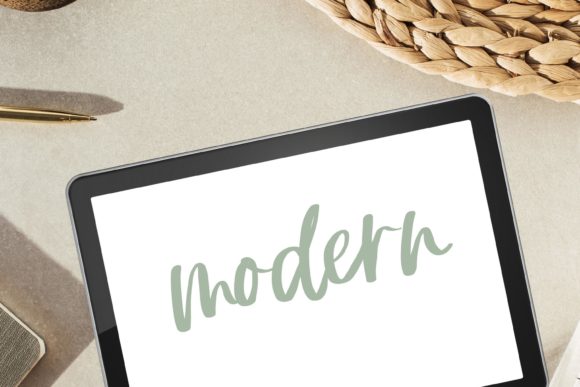
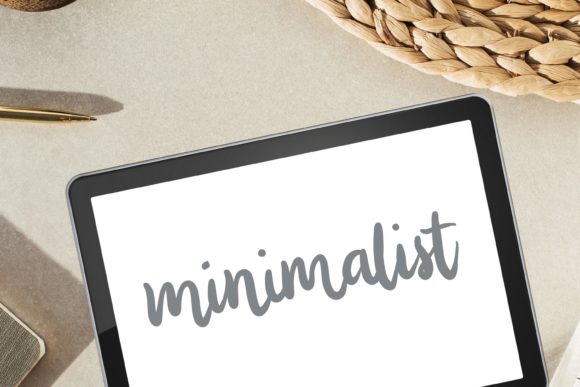
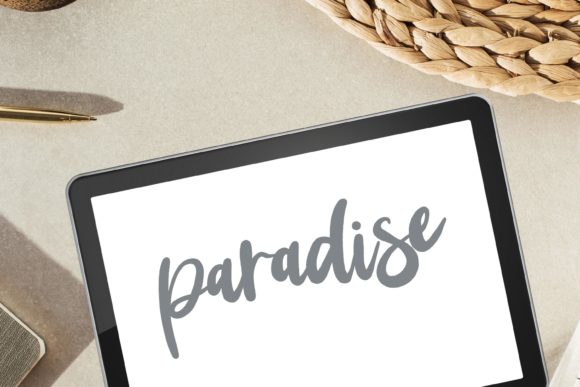
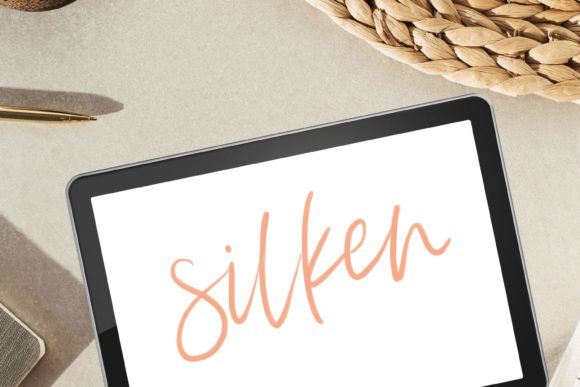
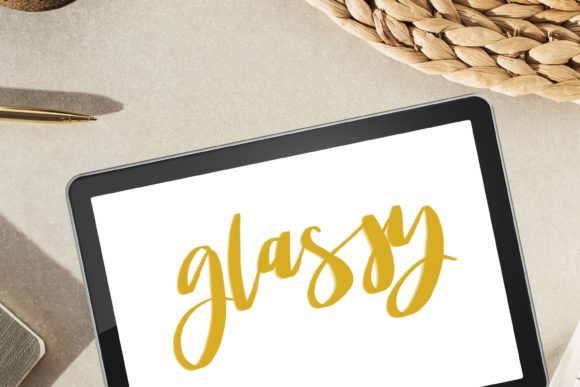
The core appeal of the Glassy Procreate Brush for Hand Lettering and Painting lies in its unique texture profile. Traditional calligraphy brushes often simulate ink bleed, paper grain, or dry brush effects. In contrast, the Glassy brush is engineered for a "clean" look. It produces strokes that appear liquid and reflective, akin to wet paint or glossy enamel. This makes it particularly effective for projects requiring a high-end, minimalist, or luxury feel.
The term "silky smooth" is not merely descriptive; it refers to the brush’s stabilization settings and opacity flow. When executing long, sweeping curves common in modern calligraphy, the brush maintains consistent weight without unintended jitter. This stability is crucial for beginners who are still developing muscle memory, as well as professionals who need precision for client work. The texture itself is subtle—it does not overpower the letterform but adds a dimension of depth that flat vectors often lack.
Key Characteristics of the Tool
- Smooth Texture: Minimizes noise and grain, resulting in clean edges suitable for scaling.
- Pressure Sensitivity: Responds dynamically to Apple Pencil input, allowing for natural thick-and-thin transitions.
- Versatility: While optimized for lettering, it functions effectively as a painting brush for highlights and glossy accents.
- Digital Native: Designed specifically for the Procreate environment, leveraging its native brush engine capabilities.
Comparing Textured vs. Smooth Lettering Approaches
When evaluating digital resources, artists often face a choice between textured, organic brushes and smooth, vector-like tools. The Glassy Procreate Lettering Brush sits comfortably in the latter category but with a crucial distinction: it retains the warmth of hand-drawn art without the messiness of heavy texture.
Consider the alternative: a rough charcoal or watercolor brush. These tools are excellent for creating vintage, rustic, or expressive pieces. However, they can struggle with legibility at smaller sizes and may require significant post-processing to clean up edges for print or web use. On the other hand, a purely monoline vector brush offers perfect consistency but can feel sterile and lacking in human touch.
The Glassy brush offers a middle ground. It provides the organic variation of hand lettering—where no two strokes are exactly identical—while maintaining a polished finish that requires minimal cleanup. This trade-off is essential for decision-making. If your goal is to create quick, gritty sketches, this may not be the ideal tool. However, if you are producing final assets for branding, social media graphics, or wedding invitations, the sleek finish saves time and elevates the perceived quality of the work.
Practical Use Cases and Best-Fit Scenarios
Identifying the right context for using the Procreate Calligraphy Brush with Modern Silky Smooth Sleek Glass Texture helps maximize its value. It is not a one-size-fits-all solution, but it excels in specific applications.
- Modern Calligraphy and Script: The primary use case. The brush’s flow allows for connected letters that look natural yet refined. It is particularly effective for bounce lettering, where varying baseline heights require smooth transitions.
- Logo Design and Branding: Clients often request logos that feel handmade but professional. The glassy texture provides a premium look that aligns with beauty, fashion, and lifestyle brands.
- Digital Illustration Accents: Beyond lettering, the brush can be used to add glossy highlights to illustrations, such as reflections on eyes, water droplets, or metallic surfaces.
- Social Media Content: The high contrast and clean lines read well on small screens, making it ideal for Instagram stories, Pinterest pins, and YouTube thumbnails.
It is important to note that this is a digital file. There is no physical product shipped. Users must download the file directly onto their iPad and import it into Procreate. This instant access model is convenient but requires users to be comfortable with file management on iOS.
Technical Considerations and Limitations
While the benefits are clear, potential users should be aware of the technical requirements and limitations. The Glassy Procreate Lettering Brush is dependent on the Procreate app and iPad hardware. It will not function in Adobe Fresco, Photoshop, or Clip Studio Paint. This ecosystem lock-in is a significant factor for artists who work across multiple platforms.
Furthermore, the "glass" effect relies heavily on color choice and background contrast. On a white background, dark strokes appear crisp. However, when used on complex backgrounds, the lack of heavy texture means the lettering may blend in if proper contrast is not maintained. Artists may need to experiment with drop shadows, outlines, or layer blending modes to ensure legibility.
Another consideration is the learning curve associated with digital calligraphy. While the brush is designed to be forgiving, it does not replace the need for fundamental lettering skills. Users must still understand structure, spacing, and composition. The tool enhances execution but does not automate design decisions.
Troubleshooting and Support
Digital products can occasionally present installation challenges. If you encounter issues importing the brush, ensure your Procreate app is updated to the latest version. Common problems often stem from downloading the file to a cloud service rather than directly to the iPad. For optimal results, download and open files directly on the iPad into Procreate.
Support is available for those who face difficulties. As noted by the creator, you should not hesitate to contact them if you have problems using this product. They commit to doing their best to help, ensuring that technical hurdles do not prevent creative progress. This level of support adds value to the purchase, providing peace of mind for less tech-savvy users.
Making an Informed Decision
Choosing the right brush set is a personal decision based on artistic style and project needs. The Glassy Procreate Lettering Brush is an excellent resource for artists who prioritize a modern, clean, and sophisticated aesthetic. It bridges the gap between the rigidity of vector graphics and the unpredictability of traditional media.
Before purchasing, consider your current workflow. Do you frequently create content that requires a polished, high-end look? Are you working primarily within the Procreate ecosystem? If the answer is yes, this brush is likely a strong addition to your library. However, if you prefer rough, expressive textures or work across multiple software platforms, you may need to explore broader brush packs that offer more variety.
Ultimately, the value of the Glassy Procreate Brush for Hand Lettering and Painting lies in its specialization. It does one thing very well: it creates beautiful, silky smooth lettering with a distinctive glass-like finish. For those seeking to elevate their digital calligraphy with a touch of modern elegance, it offers a practical and efficient solution.
Remember that digital tools are investments in your creative efficiency. By selecting resources that align with your specific stylistic goals, you reduce friction in the creative process and allow your ideas to flow more freely. Whether you are a seasoned illustrator or a beginner exploring modern lettering, understanding the nuances of tools like the Glassy brush empowers you to make choices that enhance your artistic voice.